Build an Ergonomic Home Office with What You Already Own
Today we are setting up an ergonomic home office using household items, turning ordinary cushions, boxes, and lamps into posture-saving allies. You will learn simple adjustments that protect your back, wrists, and eyes, reduce fatigue, and create a welcoming, productive space you actually enjoy. No expensive gear required, just curiosity, patience, and a few thoughtful tweaks.

Raise the Seat with Cushions and Books
Stack firm cushions or a folded blanket on the chair to bring your elbows level with the desk, then place sturdy books under your feet until knees and hips feel balanced. Aim for relaxed shoulders, even weight, and a seat depth that supports, not squeezes.
Keep Wrists Neutral with a Folded Towel
Position a neatly folded towel beneath the forearms so wrists float straight, not bent. This soft lift reduces compression and tingling while allowing fingers to glide. Combine with gentle keyboard tilt, light keystrokes, and frequent pauses to preserve comfort during long typing bursts.
Lift the Screen with Boxes, Binders, or a Sturdy Pot
Place the laptop on a stack of boxes, a sturdy pot, or a pile of binders until the top of the screen sits near eye level. This simple change eases neck strain, encourages upright posture, and keeps reading distance consistent throughout the day.
Posture Without Purchases
Comfort starts with alignment. Instead of shopping, use pillows, folded towels, hardcover books, and shoe boxes to dial in seat height, hip angle, and screen position. Small, precise changes relieve pressure points, improve breathing, and help you sustain focus through long sessions.
Light, Air, and Sound That Help You Work
Your senses shape energy and attention. Tame glare with curtains, disperse harsh light with baking parchment or printer paper, and position lamps slightly behind the screen. Use a fan for gentle airflow, and soften echo with rugs or cushions for calmer calls and clearer thinking.
Movement That Saves Your Back
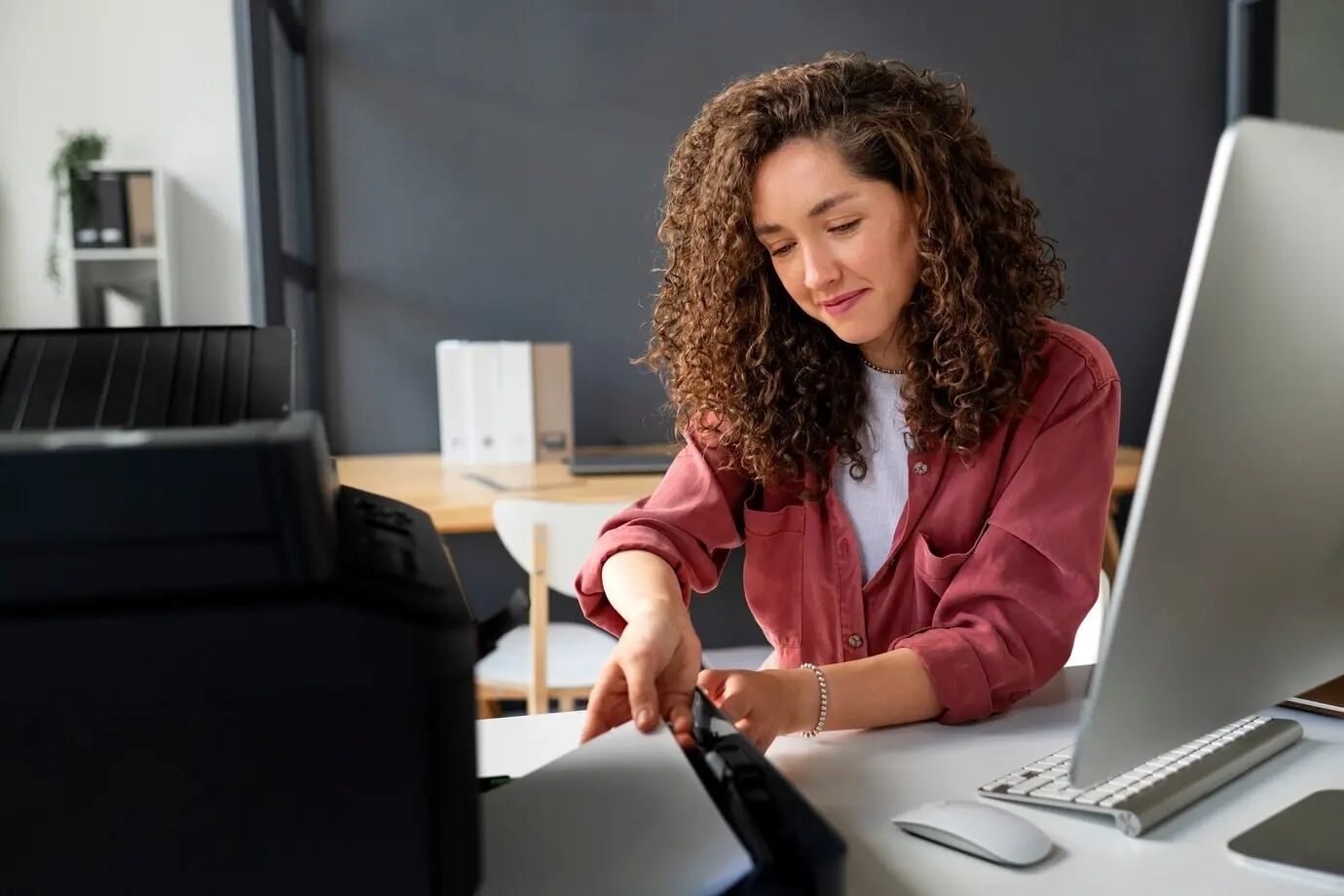
Stillness is sneaky. Build microbreaks into your day so circulation, joints, and mood stay lively. Use kitchen timers, playlists, or kettle refills as reminders to stand, stretch, or walk. Alternating postures prevents strain, boosts alertness, and helps great ideas surface when screens blur.
Tame Cables with Clips, Bread Ties, and Tape
Clip cables to the desk with binder clips, thread them through bread ties, and color-code with washi tape or nail polish. Label each end so devices reconnect instantly. These tiny improvements prevent tugging, preserve ports, and make unplugging for cleaning effortless and quick.
Document Staging with Trays and Baking Sheets
Use a baking sheet or two nested trays as an in-progress zone. Papers stay flat, pens stop rolling, and you can lift the entire project away at meal times. Add bookends or repurposed boxes as vertical sorters so active tasks remain visible and prioritized.
Focus Cues and Boundaries
Working at home blurs edges between tasks and roles. Build rituals that open and close the day, protect concentration, and respect rest. Use light, scent, and sound to signal status. Clear boundaries reduce interruptions, guide your energy, and keep meaningful goals in view.

Shortcut Mastery and Keyboard Alternatives
Learn three shortcuts for every app you touch daily, and remap seldom-used keys to trigger them. If you lack an external keyboard, angle your laptop higher and float wrists on a towel. Reduced reach and motion protect shoulders, wrists, and momentum during demanding projects.
Use Your Phone as Webcam or Second Display
Repurpose your phone with a stack of books and a clip to stabilize the view, or mirror documents beside your main screen. Better angles improve eye contact, and side-by-side references cut window switching. Always secure power and ventilation to prevent overheating during longer sessions.
Power and Cable Safety with Containers and Labels
Place adapters in a basket with ventilation holes, route cords through a cardboard slit to prevent snags, and mark chargers with tape flags. Keep liquids away. Quick visual control reduces trip hazards, keeps equipment healthy, and saves time when you need to pack up.
Smart Tech Tweaks Without New Gadgets
Enhance comfort and speed with creative tweaks to devices you already own. Elevate laptops on boxes, remap keys for shortcuts, and dim screens at night. These thoughtful optimizations reduce effort per task, easing strain while extending the life of your equipment and attention.
Sustainable Style You’ll Enjoy Daily
A space that looks and feels inviting pulls you back to meaningful work. Choose calming colors, soften edges with textures, and reuse containers instead of discarding them. When your setup reflects values and care, pride naturally supports consistency, focus, and steady, energized progress.
Borrow a tablecloth, scarf, or placemat to define your work zone visually, then add a soft blanket to the chair for warmth and contrast. Muted shades reduce eye fatigue, while pleasing textures quiet the mind and subtly encourage mindful posture and attentive breathing.
Place a forgiving plant on a nearby shelf for color and a gentle reminder to take breaks. Use cleaned jars as pen cups and cable jars. Caring for living things and reusing materials builds patience, presence, and gratitude that spills into thoughtful work routines.
At closing time, return supplies to their containers, coil cables, wipe surfaces, and set out tomorrow’s top task on a tray. This respectful reset gives morning you a boost. Share a photo, subscribe for weekly prompts, and tell us which habit changed everything.


All Rights Reserved.